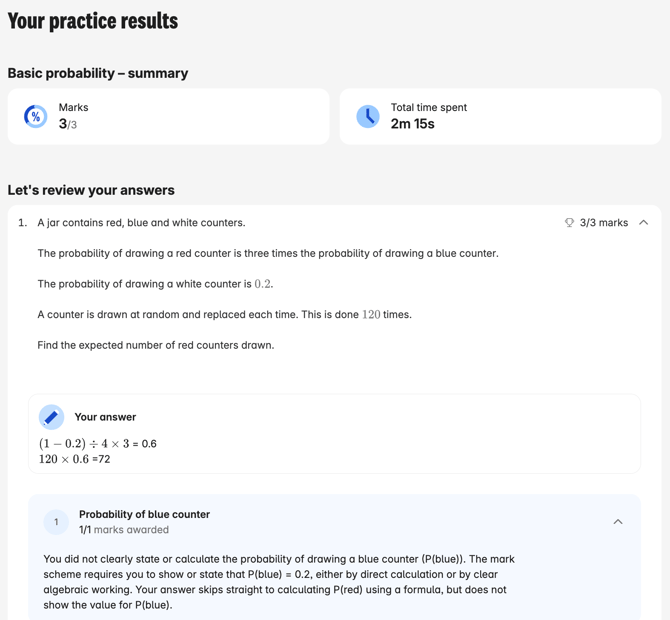
Here's a step-by-step guide for reviewing your completed work on Atom:
-
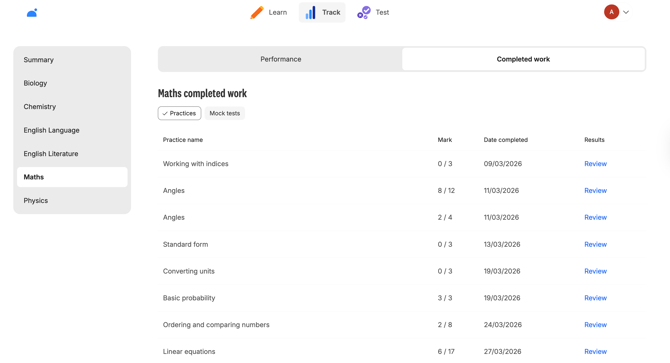
Head to the Track page.
-
On the left-hand side, click on the subject you'd like to view your completed work for.
-
Click on 'completed work' at the top.
-
View all the practices and tests you've completed for that subject.
-
You can review all your answers by clicking on 'Review' for each practice and test.
- You can't delete a mock test you've completed on Atom, so make sure you're completing them when you've got the time to do them properly, and in exam conditions!