Logging in
Already using Atom for Key Stage 2?
You can log in using your existing credentials. Once logged in, select the profile you'd like to use, or create a new one by clicking 'Add user'. You can then add a GCSE subscription to that profile.
New to Atom?
You'll need to sign up first, then select a subscription from there.
Using Atom GCSE on your device
Atom GCSE works on most modern web browsers. We recommend using Google Chrome and keeping your device up to date for the best experience. You can also add Atom GCSE as an app to your home screen for seamless access.
Logging out
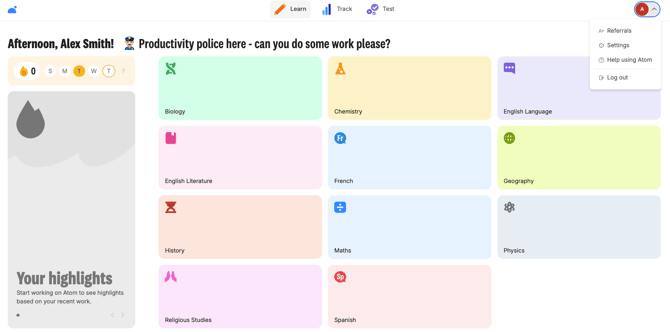
If you'd like to log out, click on the icon in the top right-hand corner, and you'll be logged out of your Atom GCSE account.