
For every topic on Atom GCSE, we have flashcards which break down the key concepts.
The flashcards have quick bullet points, pictures and worked examples. You can read through these before starting the practice questions.
To find these, simply click on any subject on the Learn page and then select the topic you'd like to view the flashcards for. They'll then appear. You can have a look at these before answering questions.
To then start answering questions on a topic, you can then click on 'Answer questions' in the bottom right-hand corner whenever you're ready. If you want to give yourself a quick test, you can just click this button and start answering questions straight away.
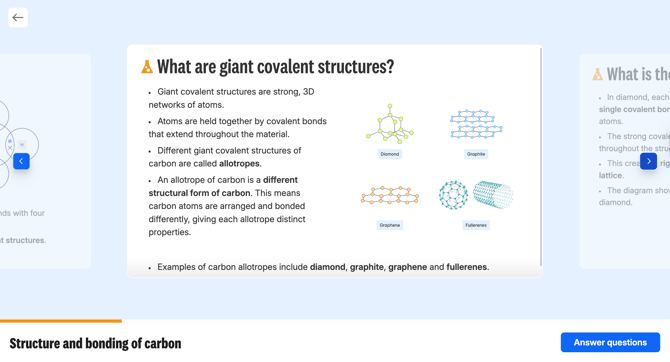
Even if you don't fancy answering questions, you can then click on a topic to have a look at the flashcards, and then go back.